How to Create a Professional Website for a Small Business: A Step-by-Step Guide
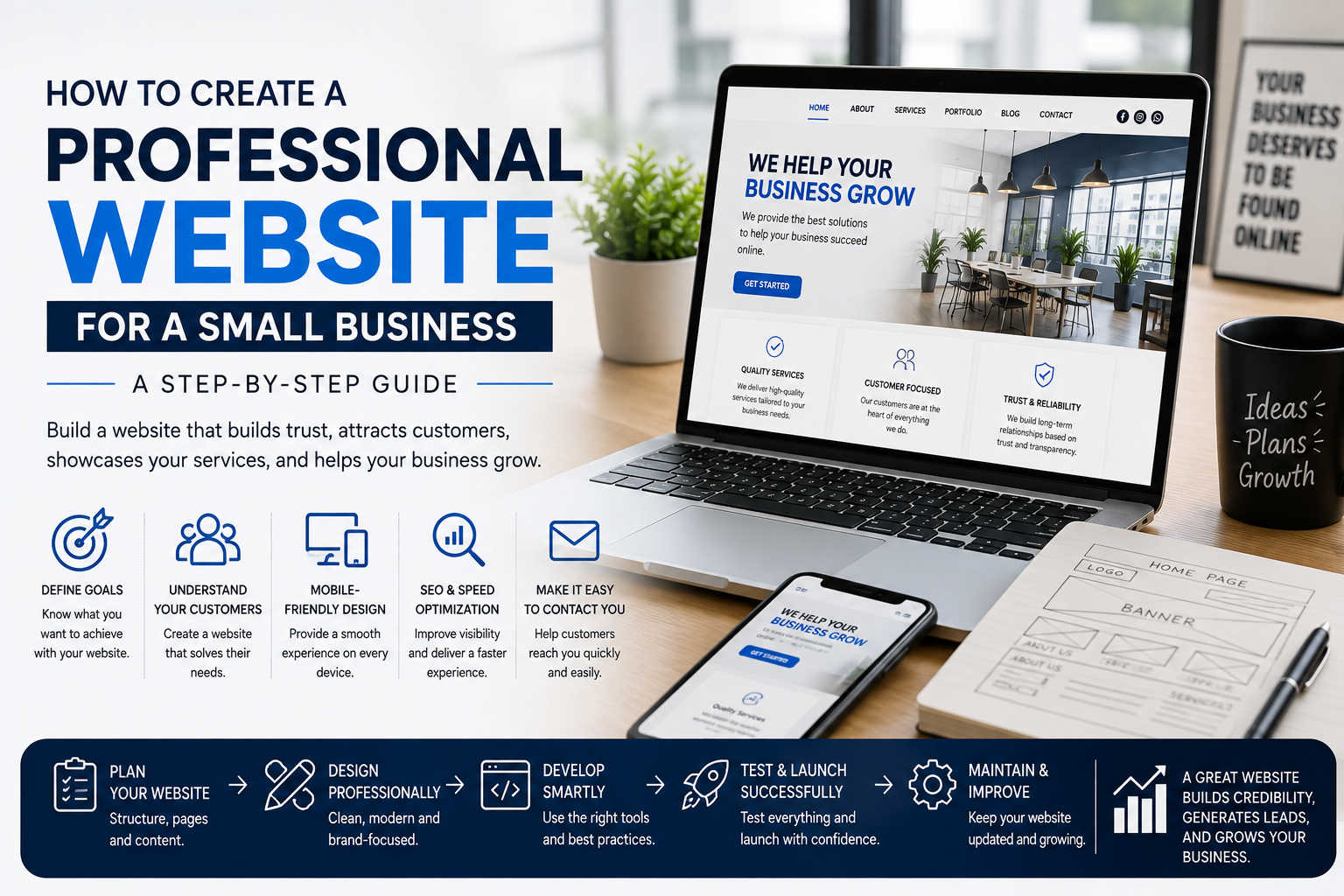
Learn how to create a professional small business website that builds trust, attracts customers, showcases your services, and helps your business grow online.
How to Create a Professional Website for a Small Business
For a small business, having a professional website can be an important step toward building a strong online presence.
Whether you run a salon, photography business, restaurant, consultancy, retail store, service company, or another local business, your website can help potential customers understand what you offer and decide whether they want to contact you.
A professional website doesn't have to be complicated. What matters most is that it is clear, useful, trustworthy, mobile-friendly, and designed around your customers.
At C2D (Concept to Deploy), we believe a small business website should be built around the actual needs of the business rather than unnecessary features.
In this guide, we'll explain how to create a professional website for your small business step by step.
If you're still deciding what your website should include, read How to Build the Best Website for Your Business.
Why Does a Small Business Need a Website?
Many customers search online before contacting a business.
A website gives potential customers a place where they can learn about your business without depending entirely on social media or third-party platforms.
A business website can help you:
- Showcase your services
- Display your products
- Build customer trust
- Receive enquiries
- Generate leads
- Share your location and contact details
- Show customer reviews
- Publish useful information
- Reach customers through search engines
Your website can become a central online location for your business.
Step 1: Define Your Business Goals
Before designing your website, decide what you want the website to achieve.
For example, your main goal might be to:
- Generate enquiries
- Get phone calls
- Receive WhatsApp messages
- Get bookings
- Sell products
- Showcase your portfolio
- Provide information
- Build your brand
Knowing your goal helps determine what pages, features, and calls to action your website needs.
Don't build a website simply because every other business has one. Build it with a clear purpose.
Step 2: Understand Your Target Customers
Your website should be designed for the people you want to reach.
Think about:
- Who are your customers?
- What are they looking for?
- What problems are they trying to solve?
- What information do they need before contacting you?
- What might make them trust your business?
For example, a photography business may need a strong portfolio, while a local service business may need clear service descriptions, reviews, location information, and an easy enquiry form.
Understanding your audience helps you create a website that feels relevant instead of generic.
Step 3: Choose the Right Domain Name
Your domain name is the address people use to visit your website.
For example:
yourbusiness.com
Try to choose a domain that is:
- Short
- Easy to remember
- Easy to spell
- Related to your business
- Professional
A simple domain name can make it easier for customers to remember and share your website.
Step 4: Plan Your Website Pages
You don't need dozens of pages to create a professional small business website.
A basic website may include:
- Home
- About
- Services
- Portfolio or Gallery
- Testimonials
- Blog
- Contact
The exact pages depend on your business.
For example, an online store may need product pages and checkout, while a service business may need individual pages for each service.
Planning your website structure before development can help prevent unnecessary pages and confusing navigation.
Step 5: Create a Clear Homepage
Your homepage is often the first page visitors see.
It should quickly answer three important questions:
- Who are you?
- What do you offer?
- What should the visitor do next?
A strong homepage can include:
- Clear headline
- Short introduction
- Main services or products
- Benefits
- Portfolio or images
- Testimonials
- Call-to-action
- Contact information
Avoid making visitors search through the entire website to understand what your business does.
Step 6: Clearly Showcase Your Services
Visitors should easily understand what your business provides.
Create clear service sections or individual service pages where appropriate.
For each service, explain:
- What the service is
- Who it is for
- What is included
- Why customers may need it
- How customers can get started
Use simple language instead of filling the page with unnecessary technical terms.
Step 7: Add High-Quality Images
Images can help visitors understand your business quickly.
Depending on your business, you may use:
- Product images
- Portfolio images
- Team photographs
- Business location images
- Service photographs
- Brand graphics
Use images that are relevant and high quality, but don't upload unnecessarily large files.
Large images can affect website performance.
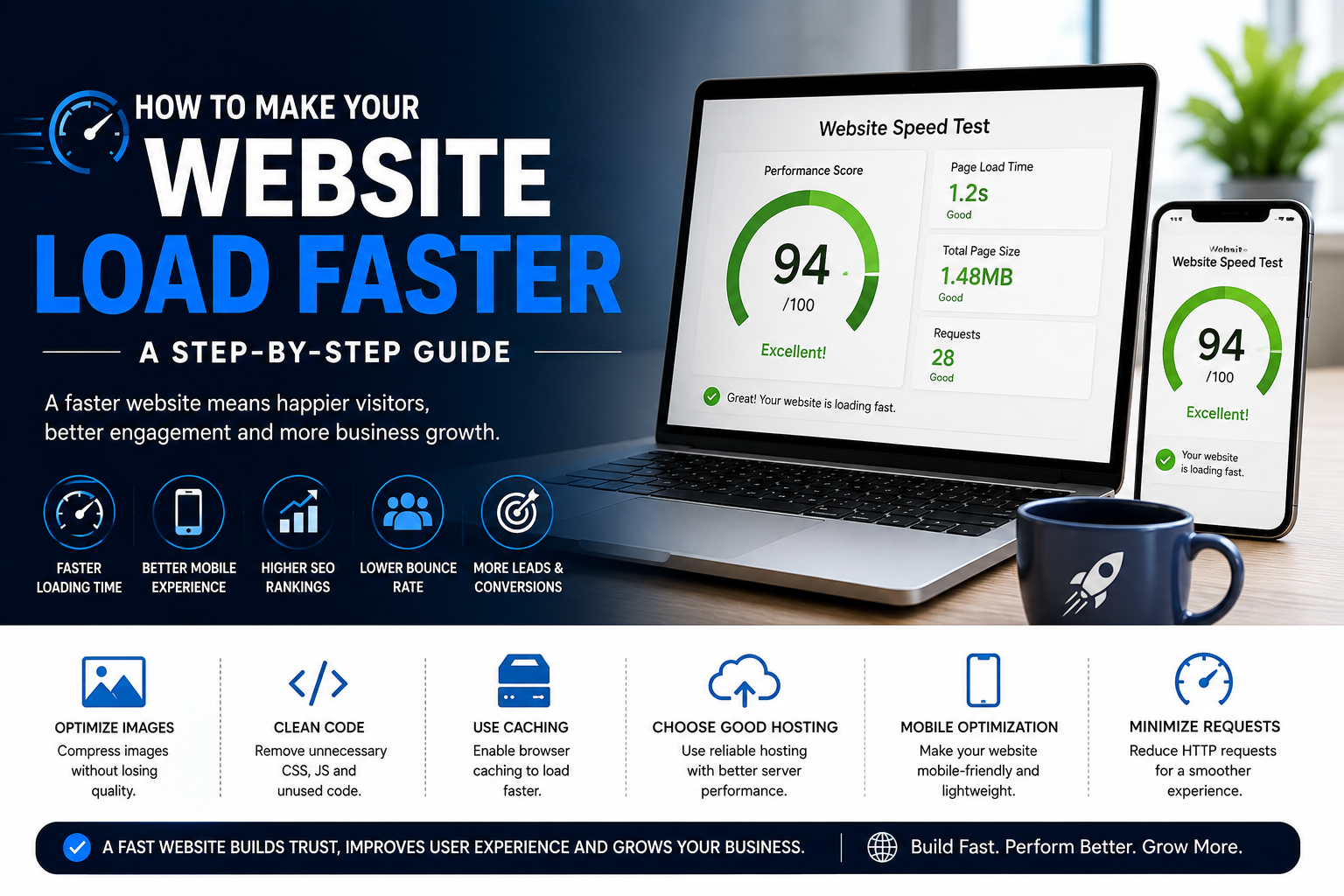
Read How to Make Your Website Load Faster to learn more about website performance.
Step 8: Build Trust With Your Website
People may hesitate to contact a business they don't know.
Your website can help reduce that uncertainty.
Consider adding:
- Customer testimonials
- Reviews
- Portfolio examples
- Business experience
- Certifications where relevant
- Professional photographs
- Clear contact information
- Frequently asked questions
Trust elements should be genuine and relevant to your business.
Step 9: Make Contacting Your Business Easy
If your website's goal is to generate enquiries, make contacting you simple.
Provide useful contact options such as:
- Phone
- Contact form
- Booking form
- Business location
Place important contact options where visitors can easily find them.
Don't make customers search through several pages just to find your phone number.
Step 10: Make Your Website Mobile-Friendly
Many people browse websites using smartphones, so your website should work properly on smaller screens.
A mobile-friendly website should have:
- Responsive layouts
- Readable text
- Easy navigation
- Tap-friendly buttons
- Properly sized images
- Mobile-friendly forms
Test your website on smartphones and tablets before launching it.
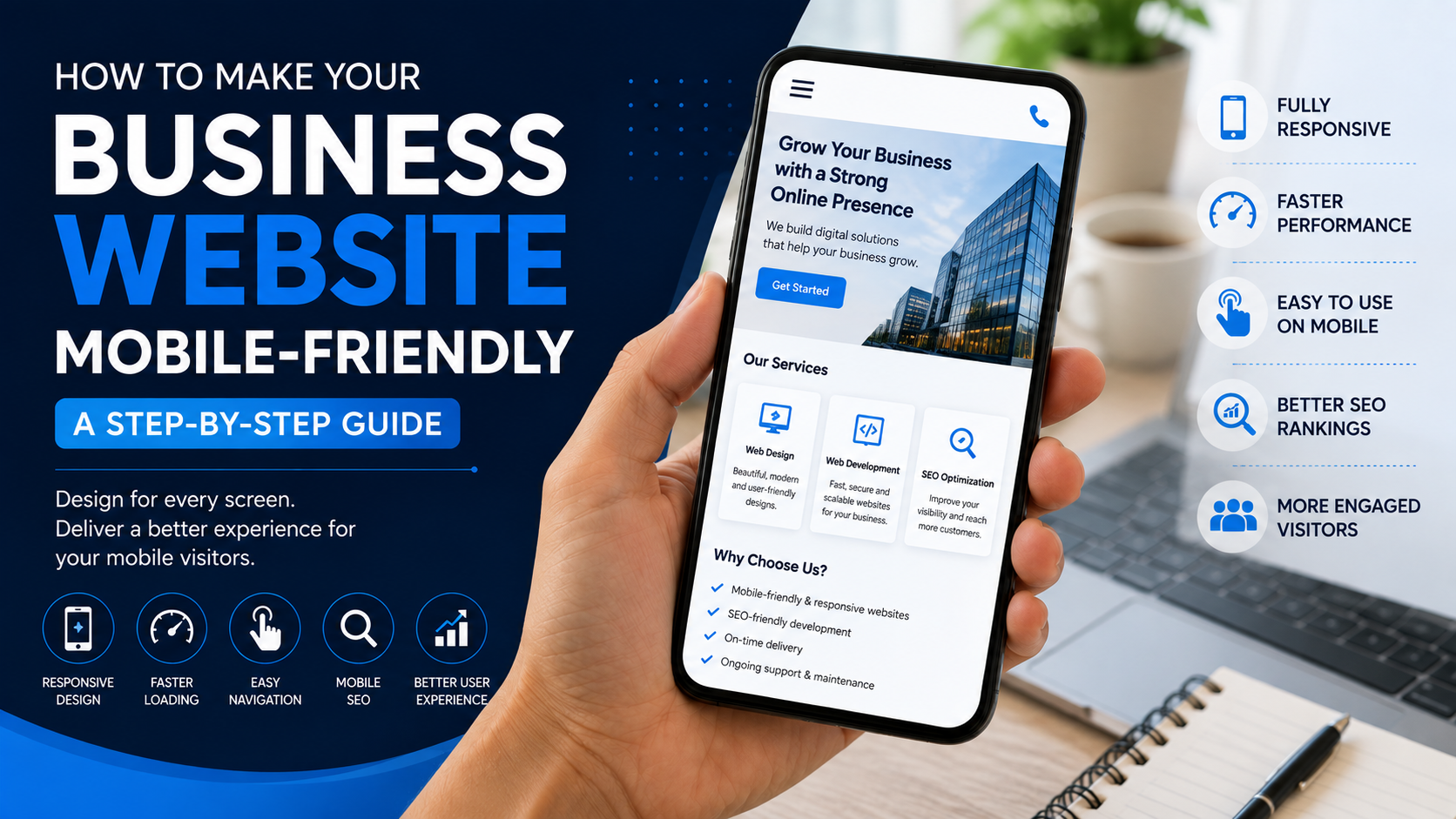
For a detailed guide, read How to Make Your Business Website Mobile-Friendly.
Step 11: Optimize Your Website for Search Engines
Creating a website is only one part of building an online presence. People also need to be able to discover it.
Basic SEO can include:
- Relevant keywords
- Useful page titles
- Meta descriptions
- Clear headings
- SEO-friendly URLs
- Useful content
- Internal links
- Optimized images
- Mobile-friendly design
Don't write content only for search engines. Create useful content that answers real questions from your customers.
Step 12: Add Useful Content
A professional website should provide more than just basic business information.
Consider adding useful content such as:
- FAQs
- Guides
- Tips
- Case studies
- Customer stories
- Blog articles
Useful content can help customers make decisions and can also create additional opportunities for your website to appear in search results.
Step 13: Keep Your Website Fast
A beautiful website can still create a poor experience if it loads slowly.
Focus on:
- Optimized images
- Efficient code
- Suitable hosting
- Limited unnecessary scripts
- Optimized fonts
- Good mobile performance
Website speed should be considered from the beginning of development.
If you're comparing development companies, ask them how they approach website performance.
Step 14: Make Your Website Easy to Navigate
Visitors should be able to move between important pages without confusion.
Use a simple navigation structure and clear labels.
For example:
Home → About → Services → Portfolio → Blog → Contact
Don't hide important information behind complicated menus.
A simple website structure can make the customer journey much easier.
Step 15: Add Clear Calls to Action
A call to action tells visitors what they can do next.
Examples include:
- Get a Quote
- Contact Us
- Book Now
- Call Us
- Send an Enquiry
- View Services
- Shop Now
Choose calls to action based on your business goals.
Don't overwhelm visitors with too many competing actions on the same page.
Step 16: Test Everything Before Launch
Before launching your website, test the complete experience.
Check:
- All links
- Contact forms
- Buttons
- Images
- Mobile layouts
- Desktop layouts
- Navigation
- Page loading
- Contact information
- SEO elements
Ask someone who hasn't worked on the website to test it as a visitor.
A fresh perspective can reveal problems that the development team may have overlooked.
How Much Does a Small Business Website Cost?
The cost of a small business website depends on its requirements.
A simple informational website will usually have different requirements from an e-commerce website or a custom web application.
The final cost can depend on:
- Number of pages
- Design complexity
- Custom features
- Content requirements
- SEO requirements
- Domain
- Hosting
- Integrations
- Maintenance
For a detailed explanation, read How Much Does a Business Website Cost?.
Common Small Business Website Mistakes
Some businesses make the mistake of trying to put everything on their website.
Common problems include:
- Too much information on the homepage
- Complicated navigation
- Poor-quality images
- Outdated contact information
- Slow loading pages
- No clear call to action
- Poor mobile experience
- Missing SEO basics
- Not updating the website
Read 7 Common Website Mistakes That Can Cost Your Business Customers for more examples.
Small Business Website Checklist
- Define your website goals
- Understand your target customers
- Choose a suitable domain
- Plan your website pages
- Create a clear homepage
- Showcase your services
- Use quality images
- Add genuine trust elements
- Make contact information easy to find
- Make the website mobile-friendly
- Set up basic SEO
- Add useful content
- Optimize website speed
- Keep navigation simple
- Add clear calls to action
- Test everything before launch
- Plan for future maintenance
How C2D Approaches Small Business Websites
At C2D (Concept to Deploy), we believe small businesses don't need unnecessary complexity. They need a website that clearly communicates what they offer and makes it easy for customers to take action.
Our approach focuses on:
- Understanding the business
- Planning the website structure
- Creating a professional design
- Building responsive pages
- Considering SEO
- Optimizing performance
- Testing the website
- Deploying the final solution
The goal is to create a website that can support the business today while providing room to grow in the future.
Final Thoughts
Creating a professional website for a small business doesn't have to be complicated.
Start by understanding your business goals and customers. Then plan your pages, create useful content, make the website mobile-friendly, optimize its performance, and make it easy for visitors to contact you.
A good business website should not simply look attractive. It should help visitors understand your business and take the next step.
Your website should work as a digital extension of your business, not just as an online brochure.
Build Your Small Business Website With C2D
At C2D, we help businesses turn their ideas into practical digital solutions.
From planning and design to development, SEO, performance, deployment, and future improvements, we focus on creating websites around real business needs.
If you're a small business planning to build your first website or improve an existing one, start with your goals and build from there.
Have a concept? Let's turn it into something that works with C2D.
Continue Reading
Learn How to Build the Best Website for Your Business.
Then read How to Make Your Business Website Mobile-Friendly.
You can also explore How to Make Your Website Load Faster.
Finally, learn How to Choose the Right Website Development Company for Your Business.