How to Make Your Website Load Faster: A Step-by-Step Guide
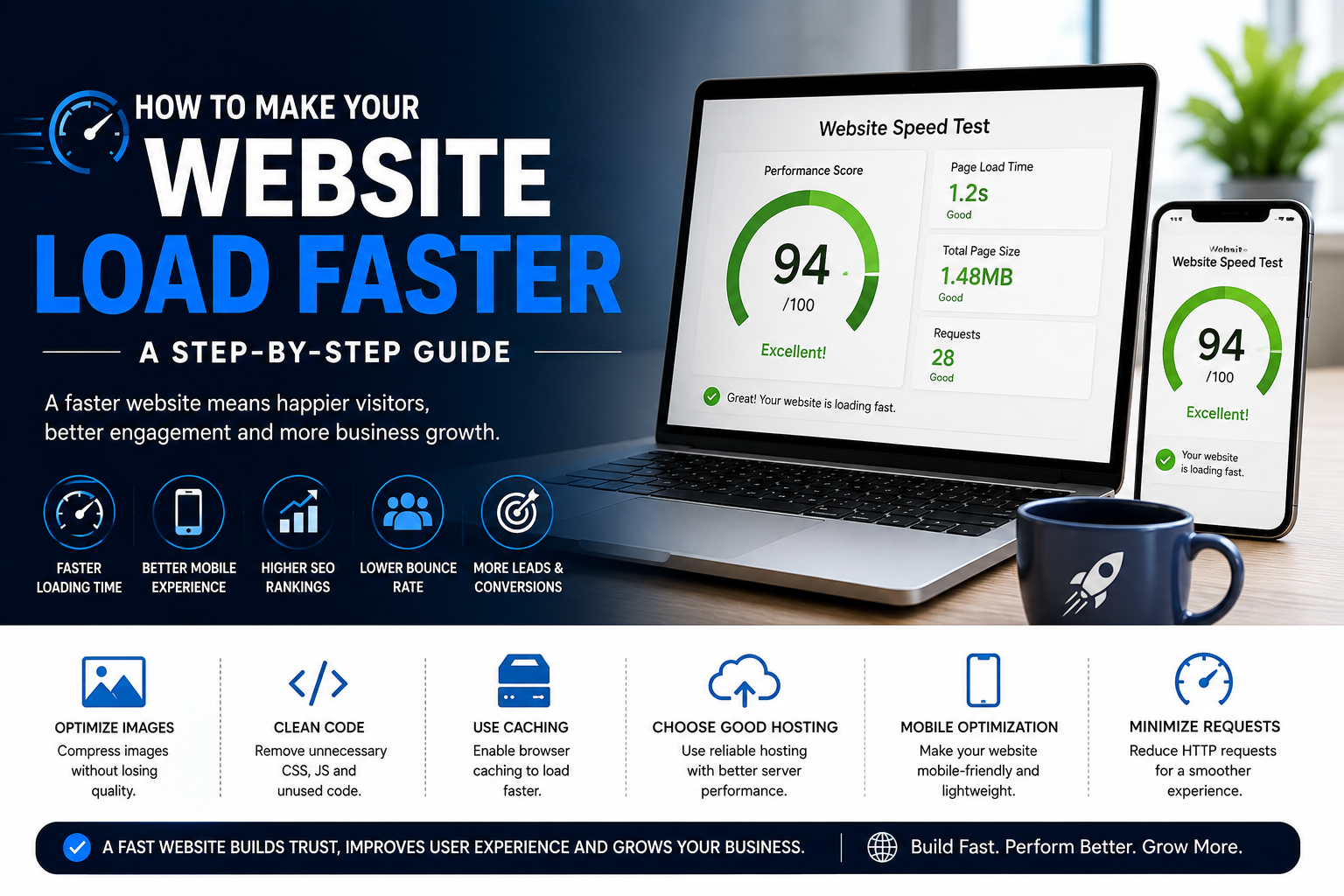
Learn how to make your website load faster with practical steps for image optimization, mobile performance, hosting, code, fonts, caching, and overall website speed.
How to Make Your Website Load Faster: A Step-by-Step Guide
Website speed can make a big difference to the way visitors experience your business online.
When a website takes too long to load, visitors may leave before they see your services, products, or contact information. A fast-loading website, on the other hand, makes it easier for people to explore your content and take action.
Website speed is especially important for people browsing from mobile devices or slower internet connections.
At C2D (Concept to Deploy), we believe a good website should not only look professional but should also provide a smooth and efficient experience.
In this guide, we'll explain step by step how you can improve your website loading speed and overall performance.
If you're still planning your website, start with How to Build the Best Website for Your Business.
Why Does Website Speed Matter?
Imagine clicking a website and waiting several seconds before anything appears.
Most visitors don't want to wait unnecessarily.
A slow website can make it harder for visitors to:
- Read your content
- Explore your services
- View your products
- Submit enquiries
- Complete purchases
- Contact your business
Website speed also contributes to the overall user experience and can be an important part of your SEO and performance strategy.
Step 1: Test Your Website Speed
Before trying to improve your website, first understand how it currently performs.
Test important pages such as:
- Homepage
- Service pages
- Product pages
- Blog pages
- Contact page
Don't test only the homepage. Different pages can have different performance problems.
Look for pages that take longer to load or contain unusually large resources.
Step 2: Optimize Large Images
Large images are one of the common reasons websites become slow.
High-resolution images can contain much more data than a website actually needs.
Before uploading images, consider:
- Resizing them to appropriate dimensions
- Compressing large files
- Using suitable modern image formats
- Avoiding unnecessarily large images
- Using responsive image sizes
For example, if an image is displayed at a small size on your website, there may be little benefit in uploading an extremely large version.
Optimizing images can improve performance without significantly reducing visual quality.
Step 3: Remove Unnecessary Website Elements
Every additional element on a page can require resources to load.
Review your website and ask whether every element is actually necessary.
Consider removing:
- Unused animations
- Unnecessary sliders
- Unused scripts
- Large decorative elements
- Redundant plugins
- Unnecessary third-party widgets
A clean website can often provide a better experience than a page overloaded with effects and features.
Step 4: Reduce Unnecessary JavaScript
JavaScript can add useful functionality to a website, but unnecessary scripts can increase the amount of work a browser needs to perform.
Review your website's scripts and remove those that are no longer needed.
Where appropriate, scripts can also be loaded only when they are required.
The goal isn't to remove JavaScript completely. The goal is to use it efficiently.
Step 5: Optimize CSS
CSS controls the appearance and layout of your website.
Large or inefficient CSS files can contribute to unnecessary page resources.
Good practices include:
- Removing unused CSS
- Keeping styles organized
- Reducing unnecessary duplication
- Loading only the styles required
Clean code can make websites easier to maintain while also helping reduce unnecessary resources.
Step 6: Improve Mobile Website Performance
A website may load differently on a smartphone compared with a desktop computer.
Mobile visitors may have smaller screens, different network conditions, and less powerful devices.
Make sure your mobile website doesn't load unnecessary desktop resources.
Check:
- Image sizes
- Mobile layouts
- Animations
- Fonts
- Scripts
- Navigation
If you want to improve your mobile experience, read How to Make Your Business Website Mobile-Friendly.
Step 7: Choose Suitable Hosting
Your hosting environment can affect website performance.
Different websites have different hosting requirements.
A simple business website may not need the same infrastructure as a large e-commerce platform or web application.
When choosing hosting, consider:
- Server performance
- Reliability
- Scalability
- Storage
- Bandwidth
- Security
- Support
Choosing hosting based only on the lowest price may not always be the best approach.
Step 8: Use Browser Caching
Browser caching can allow certain website resources to be stored locally in a visitor's browser.
This means that when the visitor returns to your website, the browser may not need to download every resource again.
Caching strategies should be configured appropriately based on your website and hosting environment.
For websites with frequently changing content, caching should also be configured carefully so visitors receive updated information when necessary.
Step 9: Optimize Your Fonts
Fonts can also contribute to page loading time.
Using too many font families, weights, or unnecessary font files can increase the number of resources a browser needs to load.
Try to:
- Use a limited number of font families
- Load only the weights you need
- Avoid unnecessary font variations
- Choose web-friendly font solutions
A simple typography system can make your website look professional without adding unnecessary resources.
Step 10: Reduce Third-Party Scripts
Many websites use external services for analytics, chat widgets, social media tools, advertising, forms, and other features.
These services can be useful, but each additional third-party script can add more work to the page.
Review the services installed on your website and remove anything you no longer use.
Only keep tools that provide real value to your business or customers.
Step 11: Improve Your Page Structure
A well-organized page can make your website easier to understand and maintain.
Keep your important content clear and avoid unnecessarily complicated page structures.
Organize your pages with:
- Clear headings
- Logical sections
- Useful content
- Optimized images
- Simple navigation
- Clear calls to action
A clean structure can also make it easier for visitors to find what they need.
Step 12: Check Your Website's Mobile Loading Experience
Don't assume that a website that loads quickly on your computer will perform exactly the same way on a smartphone.
Test important pages on mobile devices and check:
- Initial loading
- Images
- Menus
- Buttons
- Forms
- Animations
- Page scrolling
Your mobile visitors should be able to interact with the website without unnecessary delays.
Step 13: Optimize Important Pages First
You don't always have to optimize every page at the same time.
Start with the pages that matter most to your business.
For example:
- Homepage
- Main service pages
- Product pages
- Landing pages
- Contact page
Improving these pages first can have a more noticeable effect on the overall customer experience.
Common Website Speed Mistakes
Some common mistakes include:
- Uploading extremely large images
- Using too many animations
- Installing unnecessary plugins
- Loading too many third-party scripts
- Using too many font files
- Ignoring mobile performance
- Using unsuitable hosting
- Keeping unused website code
- Not testing important pages
Some of these mistakes may appear small individually, but together they can affect the overall website experience.
You can also read 7 Common Website Mistakes That Can Cost Your Business Customers.
Website Speed Optimization Checklist
- Test your website speed
- Optimize large images
- Remove unnecessary elements
- Reduce unused JavaScript
- Optimize CSS
- Improve mobile performance
- Choose suitable hosting
- Use appropriate caching
- Optimize fonts
- Review third-party scripts
- Keep page structure clean
- Test important pages
- Check both desktop and mobile performance
How C2D Approaches Website Performance
At C2D (Concept to Deploy), we believe website performance should be considered during development rather than treated as an afterthought.
Our approach focuses on creating websites that balance design, functionality, usability, and performance.
We consider:
- Responsive layouts
- Optimized images
- Clean website structure
- Efficient functionality
- Mobile performance
- SEO-friendly development
- User experience
- Testing before deployment
The goal is to create a website that looks professional while remaining practical and efficient for visitors.
Final Thoughts
A fast website doesn't necessarily require removing everything that makes your website attractive.
The goal is to find the right balance between design, functionality, and performance.
Start by testing your website, identify the biggest problems, and improve them step by step.
Optimizing images, reducing unnecessary resources, improving mobile performance, choosing suitable hosting, and keeping your website structure clean can all contribute to a better experience.
A faster website gives your visitors a smoother journey from the moment they arrive until they take action.
Build a Faster Website With C2D
At C2D, we help businesses turn ideas into practical digital solutions.
From website planning and design to development, SEO, deployment, and performance improvements, we focus on creating websites that work for both businesses and their customers.
If you're building a new website, consider performance from the beginning instead of waiting until the website becomes slow.
Have a concept? Let's turn it into something that works with C2D.
Continue Reading
Learn How to Make Your Business Website Mobile-Friendly.
Then read How to Choose the Right Website Development Company for Your Business.
You can also explore 7 Common Website Mistakes That Can Cost Your Business Customers.