How SEO Helps Your Business Website Rank on Google
Learn how SEO helps your business website appear in Google search results. Follow these practical SEO steps to improve visibility, attract visitors, and grow your online presence.
How SEO Helps Your Business Website Rank on Google
Building a professional website is an important step for any business, but having a website alone does not guarantee that customers will find it.
When people search for products, services, or businesses on Google, you want your website to have a chance of appearing in relevant search results.
This is where SEO (Search Engine Optimization) becomes important.
SEO is the process of improving your website so that search engines can better understand your content and users can find useful information more easily.
At C2D (Concept to Deploy), we believe SEO should be considered as part of website development rather than something added only after a website is launched.
If you haven't read our previous guide, start with How to Build a Professional Business Website Step by Step.
Now let's understand how SEO can help your business website.
Step 1: Understand What Your Customers Search For
SEO starts with understanding your audience.
Think about what your potential customers might type into Google when they need your product or service.
For example, someone looking for website services in Trichy might search for:
- Website development company in Trichy
- Website design company in Trichy
- Web development services in Trichy
- Business website development in Trichy
- Professional website development
These types of searches can help you understand which topics and services your website should focus on.
The goal is not to use keywords everywhere. The goal is to create content that genuinely answers what your potential customers are searching for.
Step 2: Choose Relevant Keywords
Keywords are words and phrases that people use when searching online.
For example, if you provide website development services, relevant keywords may include:
- Website development
- Website design
- Business website
- Professional website development
- Website development company
You can also use longer and more specific phrases, known as long-tail keywords.
For example:
Website development company in Trichy
This is more specific than simply targeting the word "website."
Use keywords naturally in your page titles, headings, content, URLs, and other relevant areas.
Step 3: Create Useful Website Content
One of the most important parts of SEO is useful content.
Your website should answer the questions your customers are asking.
Create content that explains:
- What your business does
- What services you provide
- Who your services are for
- How your services work
- Why customers should choose you
- Common customer questions
For example, a website development company can publish guides about website planning, website design, SEO, website costs, maintenance, and other topics related to its services.
This is one reason C2D is building a useful blog series around website development and online growth.
Step 4: Optimize Your Page Titles
Your page title helps search engines and users understand what a page is about.
Instead of using a generic title such as:
Services
You could use something more descriptive, such as:
Website Development Services in Trichy | C2D
Your title should accurately describe the page and naturally include the main topic when appropriate.
Step 5: Write Useful Meta Descriptions
A meta description provides a short summary of a webpage.
It can help users understand what they may find when they visit your page from search results.
A good description should:
- Clearly explain the page
- Be relevant to the search
- Encourage users to visit
- Use important terms naturally
Don't fill the description with repeated keywords. Make it useful and readable.
Step 6: Use Proper Headings
Headings help organize your content.
A well-structured page may use:
- One main H1 heading
- H2 headings for major sections
- H3 headings for supporting sections
For example:
H1: Website Development Services
H2: Our Website Development Process
H2: Why Choose Our Services?
H3: Responsive Website Development
Clear headings make long content easier to read and understand.
Step 7: Create SEO-Friendly URLs
Your website URLs should be simple and meaningful.
For example:
Good:
/website-development-services
Less useful:
/page?id=12345
A clean URL gives users and search engines a better idea of what the page is about.
Step 8: Optimize Your Images
Images can improve the appearance of your website, but large or poorly optimized images can affect loading speed.
Before uploading images:
- Resize them appropriately
- Compress large files
- Use suitable image formats
- Give images descriptive file names
- Add useful alt text where appropriate
For example, instead of naming an image:
IMG12345.jpg
you could use a descriptive name such as:
business-website-development.jpg
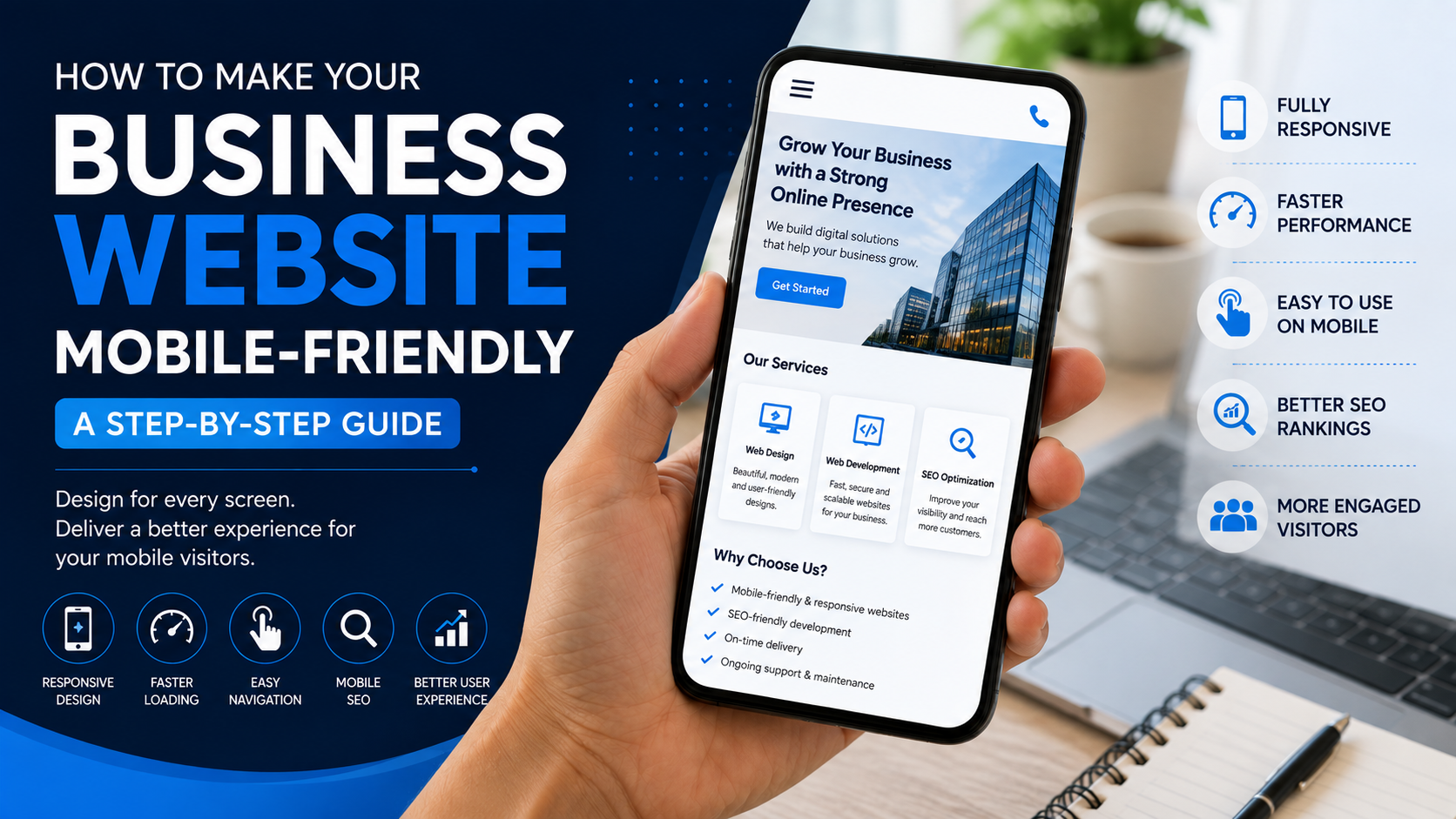
Step 9: Make Your Website Mobile-Friendly
Many people access websites using smartphones, so your website should work well on smaller screens.
Check that:
- Text is readable
- Buttons are easy to tap
- Images fit the screen
- Navigation works correctly
- Forms are easy to use
- Pages load properly
Mobile responsiveness should be part of your website development process from the beginning.
If you want to understand the development process in more detail, read our guide: How to Build a Professional Business Website Step by Step.
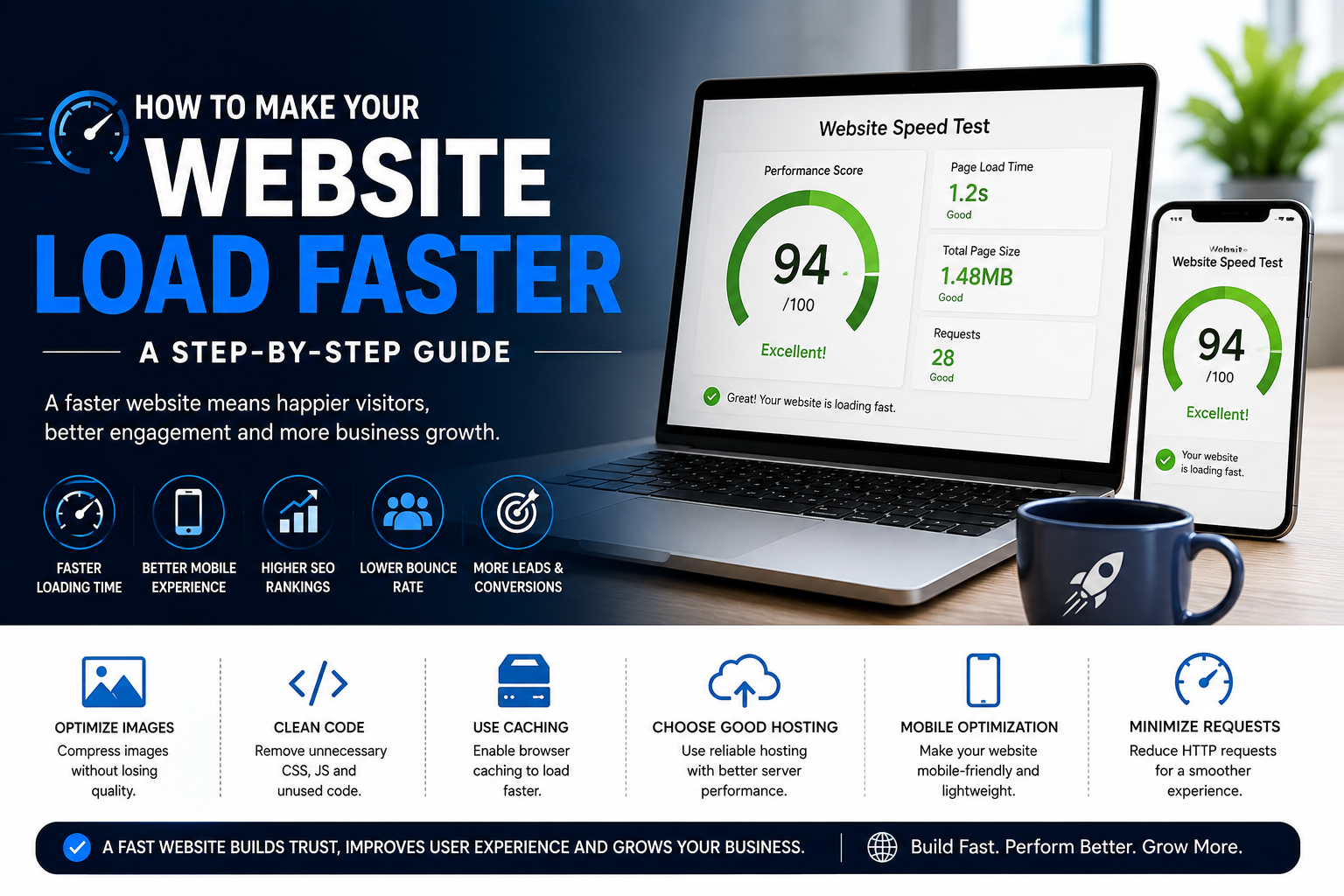
Step 10: Improve Website Speed
Website performance matters for both users and search visibility.
A slow website can create a poor experience, especially for visitors using mobile devices or slower connections.
Some ways to improve website performance include:
- Compressing images
- Reducing unnecessary scripts
- Optimizing website files
- Using reliable hosting
- Reducing unnecessary animations
- Keeping the website structure efficient
A fast and responsive website provides a better experience for visitors.
Step 11: Add Internal Links
Internal links connect one page of your website to another page on the same website.
For example, this blog links to our previous guide about building a professional business website.
Internal linking helps visitors discover more useful content and creates connections between related pages.
For a growing website, you can connect your service pages, blogs, guides, and other important content together.
Step 12: Create Local SEO Content
If your business serves a specific city or area, local SEO can help you reach people searching for services in that location.
For example, a business serving Trichy can create useful content around relevant local searches such as:
- Website development company in Trichy
- Website design company in Trichy
- Web development services in Trichy
- Professional website development in Trichy
However, avoid creating multiple pages that simply repeat the same keyword with different locations.
Instead, provide genuinely useful local information and clearly explain the services you offer.
Step 13: Build Trust and Credibility
People are more likely to contact a business they trust.
Your website can build credibility through:
- Customer testimonials
- Portfolio examples
- Case studies
- Clear contact information
- About Us information
- Business details
- Helpful content
Keep your information accurate and make it easy for visitors to understand who you are and what you offer.
Step 14: Keep Publishing Useful Content
SEO isn't something you complete once and forget.
Continue adding useful content that answers your customers' questions.
Blog topics could include:
- Website development guides
- Website design tips
- SEO tips
- Business website ideas
- Website maintenance guides
- Common website mistakes
- Online marketing tips
Consistent, useful content can help your website build a stronger online presence over time.
How Long Does SEO Take?
SEO is a long-term process.
A new website may not immediately appear at the top of Google search results. Search visibility can depend on factors such as competition, content quality, website structure, technical SEO, relevance, authority, and many other signals.
Instead of expecting instant results, focus on consistently improving your website and publishing useful information.
SEO is about building long-term visibility, not finding a quick shortcut to the top of Google.
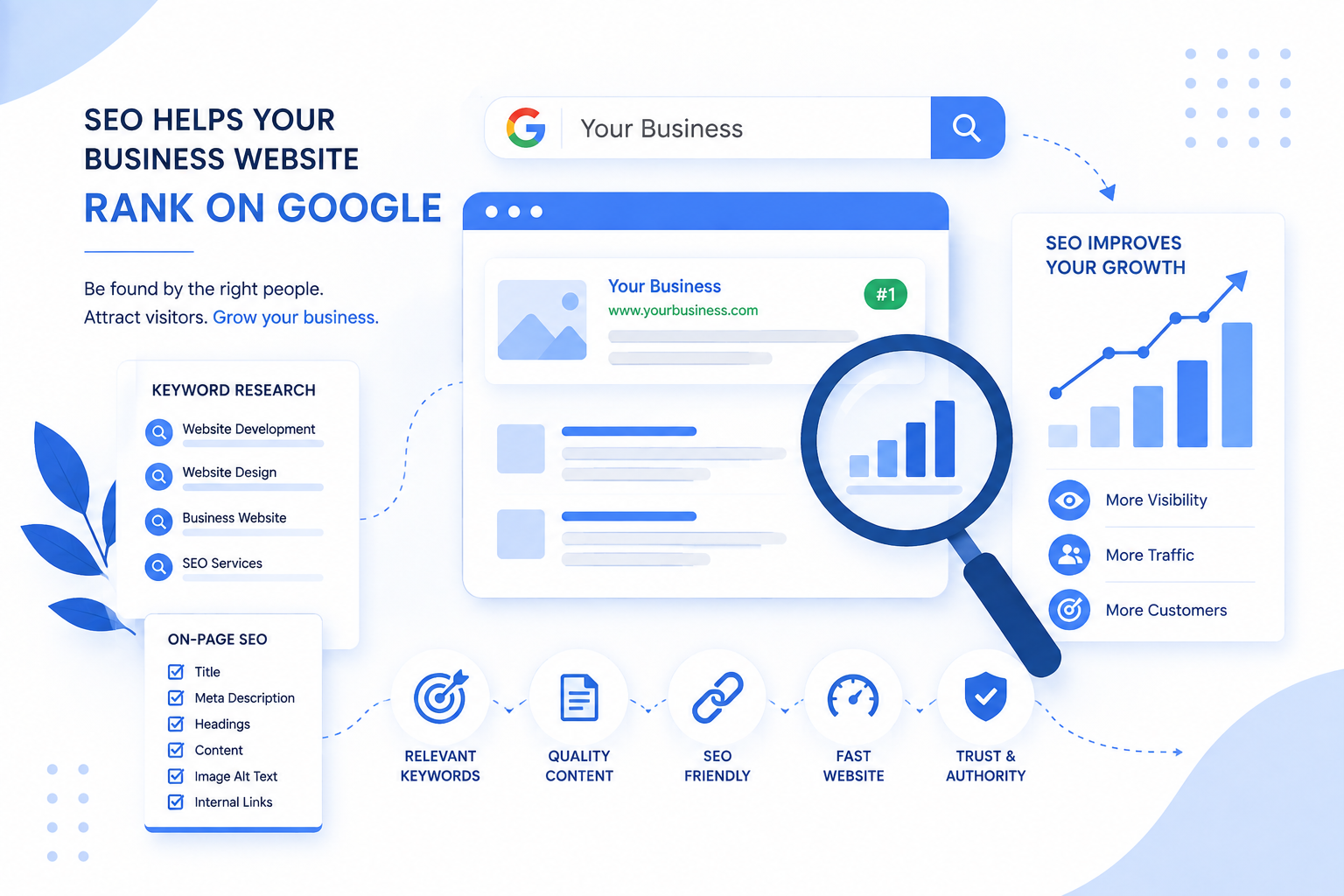
SEO Checklist for Your Business Website
- Research relevant keywords
- Create useful content
- Optimize page titles
- Write useful meta descriptions
- Use proper headings
- Create clean URLs
- Optimize images
- Make the website mobile-friendly
- Improve website speed
- Add internal links
- Optimize for relevant local searches
- Build trust with useful information
- Keep publishing valuable content
What SEO Can Do for Your Business
A well-planned SEO strategy can help your website become easier for potential customers to discover through search engines.
More importantly, good SEO focuses on providing useful information to the people who are actually looking for your products or services.
When SEO, website design, content, and user experience work together, your website can become a stronger part of your overall digital presence.
What's Next?
SEO can help people discover your website, but your work doesn't stop after your website starts receiving visitors.
Your website needs regular updates, improvements, security checks, content updates, and performance monitoring.
Read our next guide: How to Maintain and Grow Your Business Website.
Grow Your Online Presence With C2D
At C2D (Concept to Deploy), we believe a successful website combines professional design, useful content, technical performance, and a strong SEO foundation.
From website development to SEO-friendly content and ongoing improvements, every part of your online presence should work toward your business goals.
Ready to improve your website's online visibility? Let C2D help you build a stronger digital presence.