How to Build a Professional Business Website Step by Step
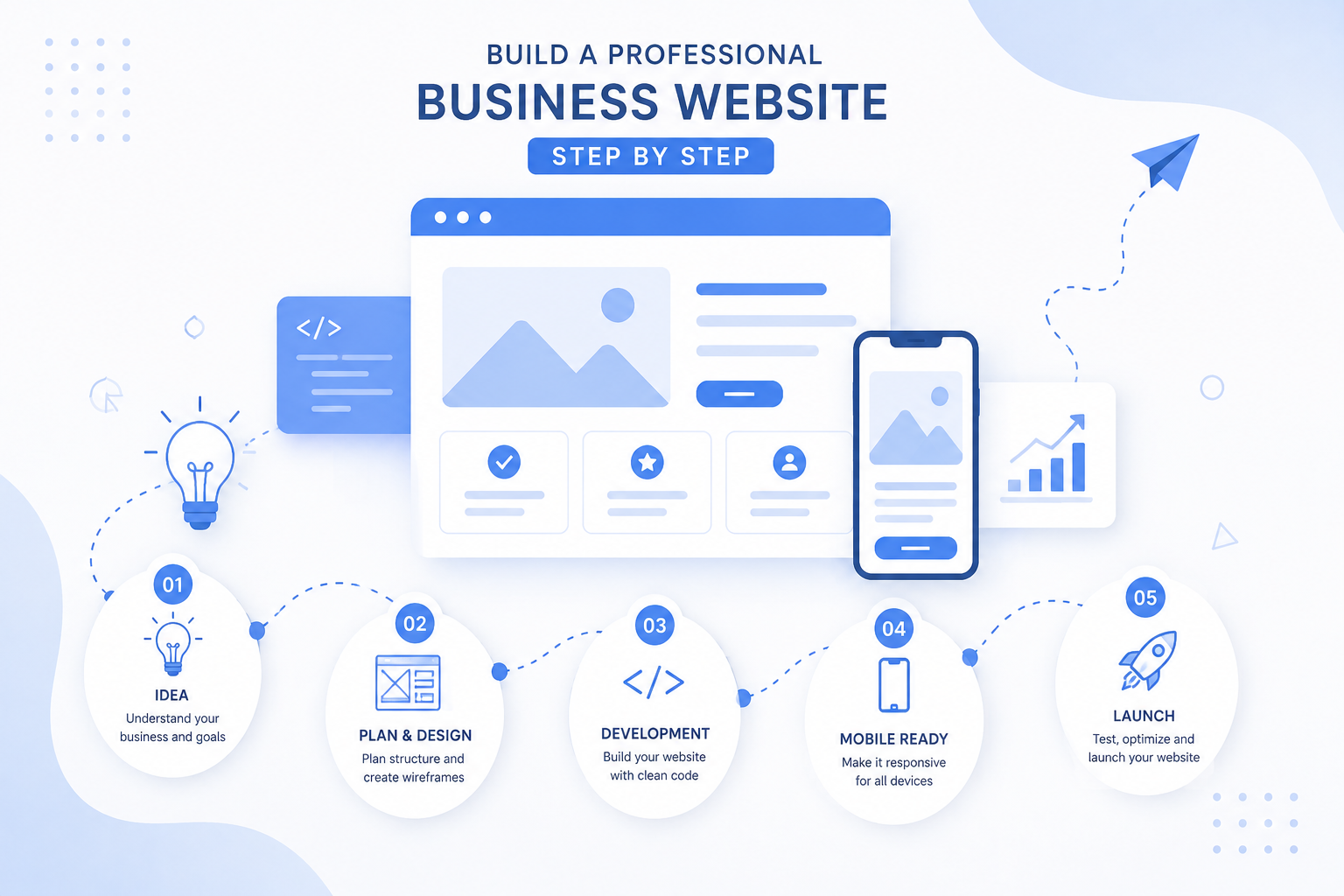
Learn how to build a professional business website step by step, from choosing the right structure and design to development, mobile responsiveness, SEO, testing, and launch.
How to Build a Professional Business Website Step by Step
Once you have planned your website, the next step is turning that plan into a real, functional website.
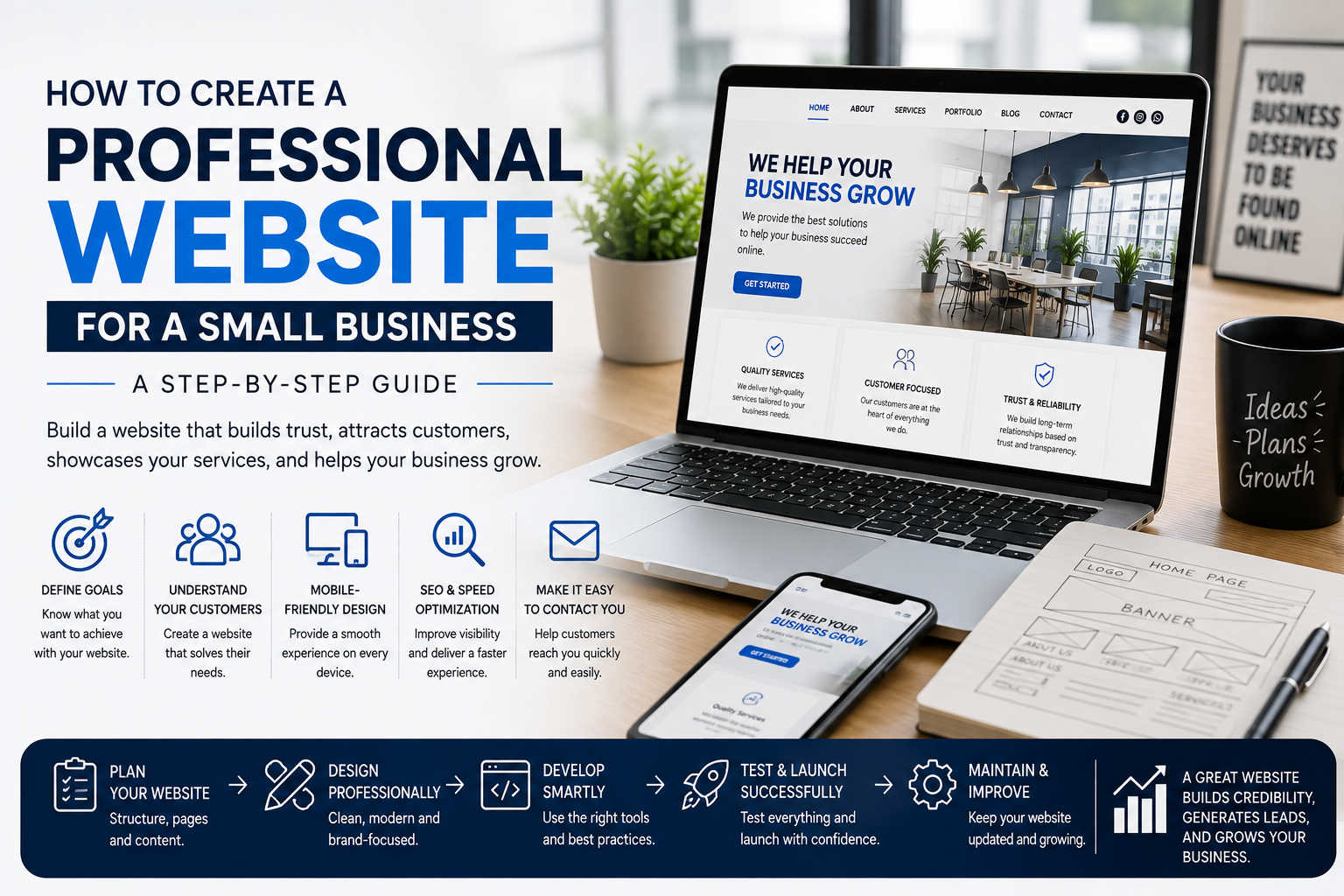
Building a professional business website involves more than creating a few pages. The website needs the right structure, design, content, functionality, mobile responsiveness, and SEO foundation.
At C2D (Concept to Deploy), we approach website development by combining business goals, user experience, professional design, and reliable functionality.
Before starting this guide, you can read our previous article: How to Plan Your Business Website Before You Build It.
Now let's look at how to build a professional business website step by step.
Step 1: Set Up Your Website Foundation
Before building the pages, prepare the basic website requirements.
This usually includes:
- Domain name
- Web hosting
- SSL certificate
- Website platform or technology
- Business logo and branding
- Website content
- Images and other media
Having these resources ready can make the development process smoother and more organized.
Step 2: Create the Website Structure
Start by creating the main pages you planned earlier.
A typical business website may include:
- Home
- About Us
- Services
- Products
- Portfolio or Gallery
- Testimonials
- FAQ
- Contact
The exact structure depends on the type of business and its goals.
A simple website with clear navigation is often more effective than a website filled with unnecessary pages.
At C2D, we focus on creating a structure that allows visitors to find important information quickly.
Step 3: Build a Strong Homepage
Your homepage should immediately tell visitors who you are, what you offer, and how they can take the next step.
A professional homepage can include:
- A clear headline
- Short business introduction
- Main services
- Benefits or key features
- Portfolio or product highlights
- Customer testimonials
- Contact information
- Clear calls to action
A visitor should not have to search through several pages to understand what your business does.
Step 4: Add Your Business Content
Now add the content you prepared during the planning stage.
Every section should have a purpose.
For example, your service page should explain:
- What service you provide
- Who the service is for
- What problem it solves
- Why customers should choose you
- How customers can contact you
Keep your content clear and customer-focused.
At C2D, we believe website content should communicate value quickly instead of overwhelming visitors with unnecessary information.
Step 5: Create a Professional Visual Design
Design plays an important role in how visitors perceive your business.
Your website should have a consistent visual identity across all pages.
Pay attention to:
- Colors
- Typography
- Buttons
- Images
- Spacing
- Headings
- Navigation
- Page layouts
A professional design should look attractive while remaining easy to use.
Don't add design elements simply because they look impressive. Every element should support the user's experience.
Step 6: Make Navigation Simple
Visitors should be able to move around your website without confusion.
Your navigation menu should contain the most important pages and use simple labels.
For example:
Home | About | Services | Portfolio | Contact
A clear navigation structure helps visitors find information quickly and can also support your website's SEO structure.
Step 7: Add Clear Calls to Action
Your website should make it obvious what visitors can do next.
Use relevant calls to action such as:
- Get a Quote
- Contact Us
- Book Now
- Call Us
- Send an Enquiry
- Chat on WhatsApp
- Learn More
Place CTAs where they make sense instead of adding too many buttons everywhere.
The goal is to guide visitors naturally toward becoming customers.
Step 8: Make the Website Mobile-Friendly
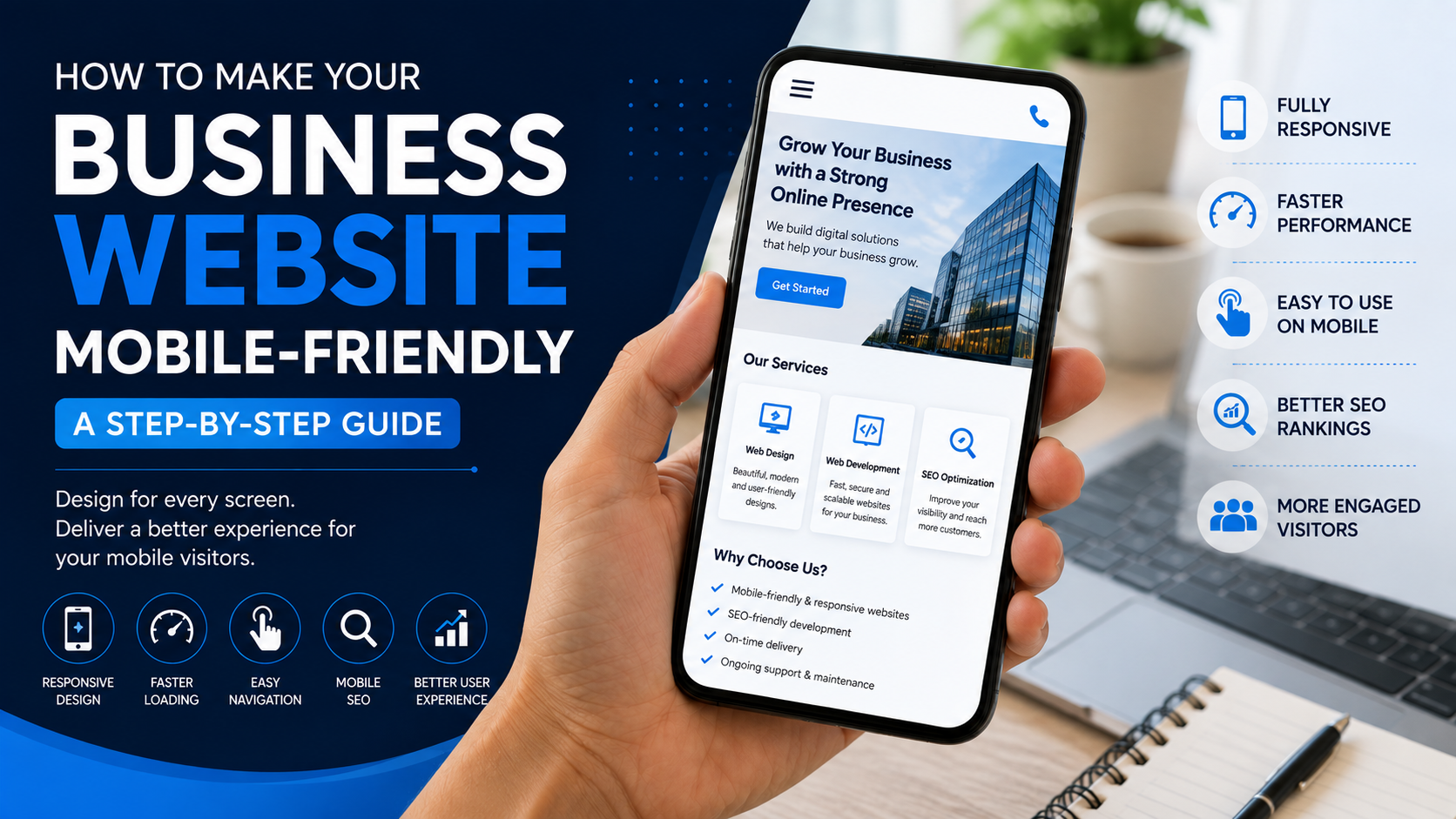
A professional website should work properly across different devices.
Test your website on:
- Mobile phones
- Tablets
- Laptops
- Desktop computers
Check whether:
- Text is readable
- Buttons are easy to tap
- Images fit the screen
- Menus work correctly
- Forms are usable
- Pages load properly
Responsive design is essential because customers may access your website from many different devices.
Step 9: Optimize Your Website for Speed
Website speed affects the user experience.
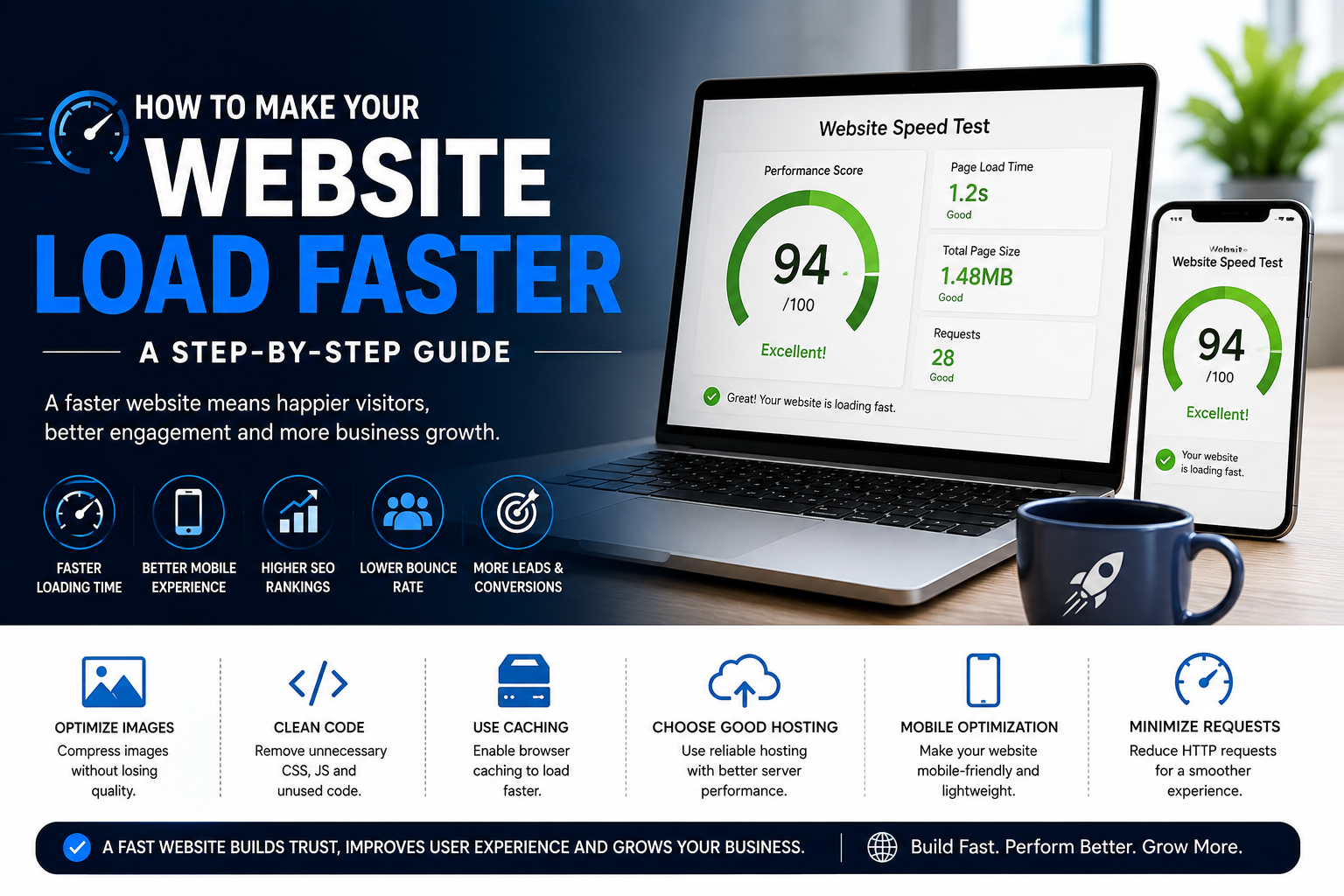
Large images, unnecessary animations, excessive scripts, and poorly optimized files can make a website slower.
To improve performance, consider:
- Compressing images
- Using optimized image formats
- Reducing unnecessary scripts
- Keeping the design efficient
- Using reliable hosting
- Optimizing website resources
A faster website provides a smoother experience for visitors.
Step 10: Add Basic SEO Elements
SEO should be part of the website development process.
Important elements include:
- SEO-friendly page titles
- Meta descriptions
- Relevant headings
- Useful page content
- Image alt text
- Internal links
- Clean URLs
- Mobile responsiveness
- Fast page loading
Use keywords naturally throughout your content.
For example, if your business provides website development services in Trichy, create useful pages and content that clearly explain your services rather than repeatedly inserting the same keyword.
At C2D, we consider SEO while building the website so the technical structure and content are prepared for future search visibility.
Step 11: Add Trust-Building Elements
Customers need a reason to trust your business.
You can build credibility by including:
- Customer testimonials
- Previous work
- Portfolio examples
- Business information
- Contact details
- Frequently asked questions
- Clear service descriptions
Real information and genuine examples can help visitors feel more confident about contacting your business.
Step 12: Test Everything
Before launching your website, test every important feature.
Check:
- All pages
- Navigation
- Buttons
- Contact forms
- WhatsApp links
- Phone numbers
- Email links
- Images
- Mobile responsiveness
- Desktop layout
- Page loading
- Spelling and grammar
Ask someone who hasn't worked on the website to test it. A fresh user may notice problems that the development team overlooked.
Step 13: Launch Your Website
Once everything has been checked, your website can be launched.
Before making it public, make sure:
- Your domain is connected
- Hosting is working correctly
- SSL is active
- All important pages are accessible
- Contact forms work
- SEO information is configured
- The website works on mobile devices
After launch, check the website again from different devices and browsers.
Step 14: Maintain and Improve Your Website
Launching your website isn't the final step.
Your business will change, and your website should change with it.
Keep your website updated with:
- New services
- New products
- Updated contact information
- New portfolio projects
- Fresh blog content
- Updated testimonials
- Improved SEO content
Regular updates help keep your website useful and relevant.
Professional Website Development: What Really Matters?
A professional website isn't simply a website with an attractive design.
It should combine:
Good design + useful content + simple navigation + responsive development + speed + SEO + security + clear calls to action.
When these elements work together, your website becomes a useful business tool rather than just an online brochure.
Website Development Checklist
- Set up domain and hosting
- Create the website structure
- Build the main pages
- Add business content
- Create a professional design
- Make navigation simple
- Add clear calls to action
- Make the website responsive
- Optimize website speed
- Add SEO elements
- Add trust-building content
- Test the entire website
- Launch the website
- Maintain and improve it
What's Next?
Building the website is only one part of creating a successful online presence. Once your website is ready, the next important step is helping people find it through search engines.
Read our next guide: How SEO Helps Your Business Website Rank on Google.
Build Your Professional Website With C2D
At C2D (Concept to Deploy), we help businesses turn their ideas into professional websites designed around their goals, customers, and online presence.
From planning and design to development and launch, every stage of the website-building process should have a clear purpose.
Ready to build your professional business website? Let C2D help bring your idea to life.